Build 2016
Before we go further (Build 2016), you probably would be interested of taking the keynotes below first in order to come out your ideas. Actually, I strongly recommend you to watch the day one keynote, starting from 2h 13m 41s, that showed me the power of combining UX, software and Machine Learning technology together.
Day 1 keynote:
Keynote Presentation (Channel 9)
*KEY01 Day 1 of Build 2016 Keynote featuring Satya Nadella, Terry Myerson and others.*channel9.msdn.com
Day 2 keynote:
Keynote Presentation (Channel 9)
*KEY02 Day 2 Keynote of Build 2016 with Scott Guthrie.*channel9.msdn.com
In the beginning, I was lucky to sit at the seat that close to the stage. The article is not gonna be talking about the Build event in a way like other news do. Instead, I’m going to talk about more of my personal opinion. Hope it’s still helpful to you. :D
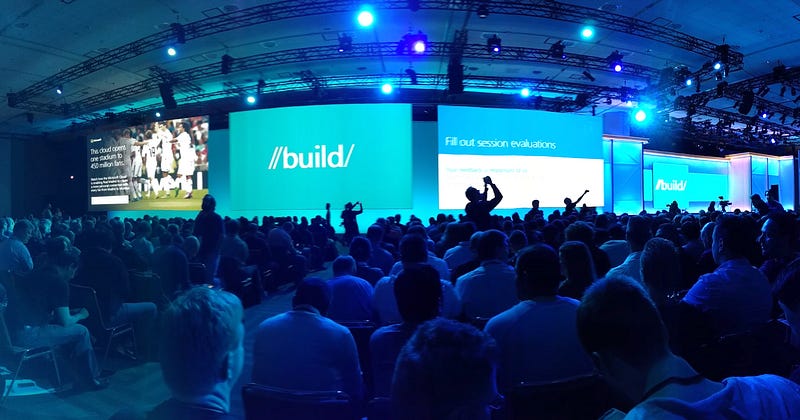
I’m personally not a fan of Microsoft but Microsoft has really big software ambitions, and it laid them all out at Build. Here are the couple important things that coming in my mind.
The Virtual Ruler
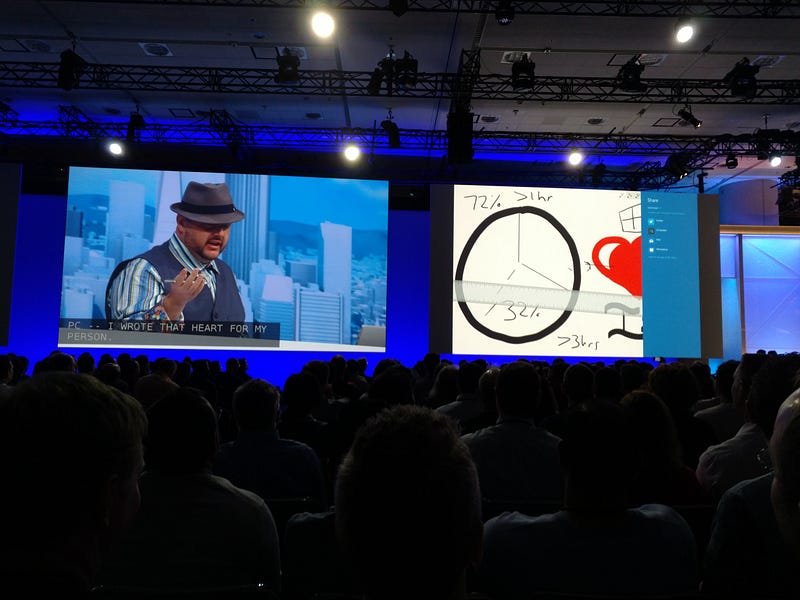
Because We’re building great digital photo collages app, I’m personally more excited about the features of kinds of graphics design. The virtual ruler helps us to draw straight lines or beautiful curves in a digital way. By in a digital way, you just discard the keyboard and mouse and use fingers or a digit pen instead. Actually there’re couple applications implementing the same concept to solve same problem but, in different ways.
- Adobe Comp CC — link
Adobe Comp CC let you use yours fingers to draw draw tremble, rough lines and curves. And It convert them into beautiful rectangles, triangles and circles.
- Paper by FiftyThree — link
Paper provides similar features like the way the Adobe Comp CC does, but in a way more elegant. It has a tool of icon with pen and ruler which explicitly indicate it help you to draw beautiful lines, rectangles, triangles and circles. It recognize straight and lean polygon as well. In addition, you can also draw lines coming with a starting or ending arrow, which is super helpful when you are building a flow chart.
- Microsoft Built-in App
Microsoft uses a more straightforward way to help you solve the same problem by giving you a virtual ruler! You can place the ruler wherever you want. Meanwhile, you can draw beautiful lines along the ruler. Just like the way we used to do with pen and paper, looks awesome! Microsoft also shows off there’re different types of the rulers for different purpose.
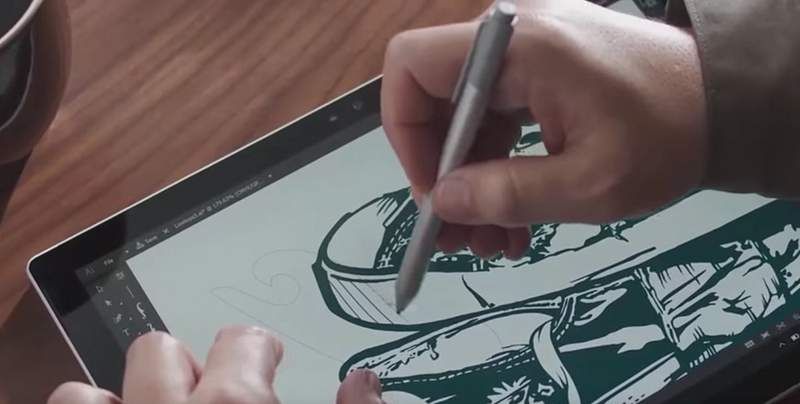
What if we can combine the pros of these different UX together?
In the end, the computer scientists and UX designers have been trying hard to figure out a new way to replace the keyboard and mouse with new experience. They want to bring us a brand new way of using tools and be more efficient. Efficiency always matters and somehow we still need to go deeper to figure out the hook emotion of designing the software in certain way.
The Cognition Services
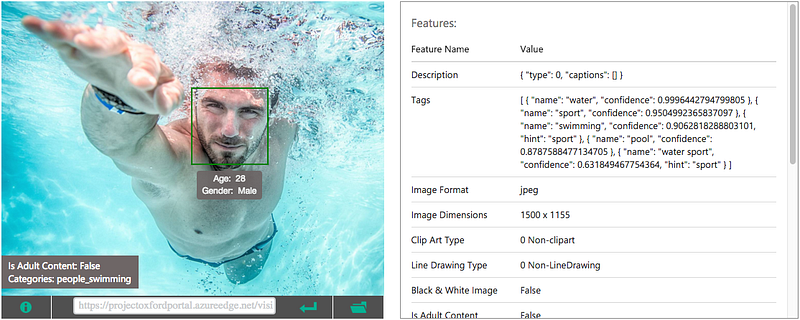
The Machine Learning APIs which allows developers to automate tasks that would just be too costly and time-consuming for them to do by hand.
We tried using the Emotion Detection of Vision APIs to build a “Comics Maker” app and it’s fun. In other case we used the OCR of Vision APIs to build a “Tipping Calculator” app, which uses camera to extract information from the receipt and give you the number of tip in terms of your location. But the UX turned out not quiet good, because the users want a faster response from their camera instead of waiting for the response from a certain server.
So I would suggest that Microsoft should figure out a way to let client devices be able to do certain recognition computation locally! e.g. Instead of charging by accessing the APIs services, Microsoft could open source a standard architecture of Machine Learning algorithms and sells the trained models (or saying brains).
LUIS — Language Understanding Intelligent Services
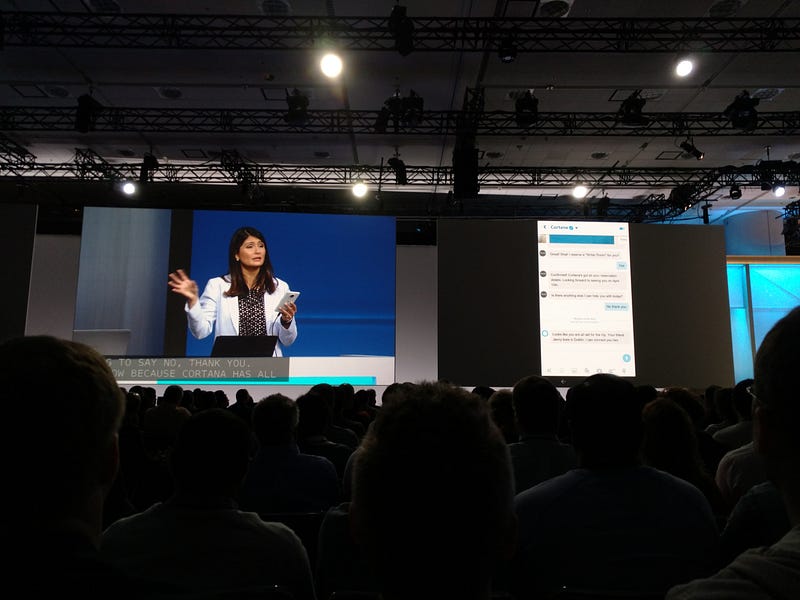
Microsoft surprised me a lot by showing off how easy it is to integrate a NLP service in my applications. LUIS offers a fast and effective way of adding language understanding to applications. LUIS takes short phrases, like things people type into a search engine, and tells you what they’re really asking. I would take LUIS as a service that extract the given activities and entities defined by you, so that your app can response to the users in terms of those information. In a nutshell, you simply add some activities, entities and then give LUIS some utterances so that it will train itself to understand what you say to it. Once it is trained, you can talk to it and it returns you a JSON coming with most significant activity and entity for you.
The breakthrough here is that instead of being an expert in natural language processing and building a model of all the phrases people could use to ask for news on specific topics, developers can use LUIS as a model building service.
Building a model is easy if you only need to label a bunch of instances by hand, but what about when you start getting hundreds, thousands or tens of thousands of utterances?
Since it only needs text as input, the throughput it needs is small and the response will be much faster than Vision APIs. I think LUIS is really helpful to make your app smarter
It’d be fun that there’s a bot can suggest you what to eat for lunch!
LUIS: Help
*Language Understanding Intelligent Service (LUIS) offers a fast and effective way of adding language understanding to…*www.luis.ai
Fun
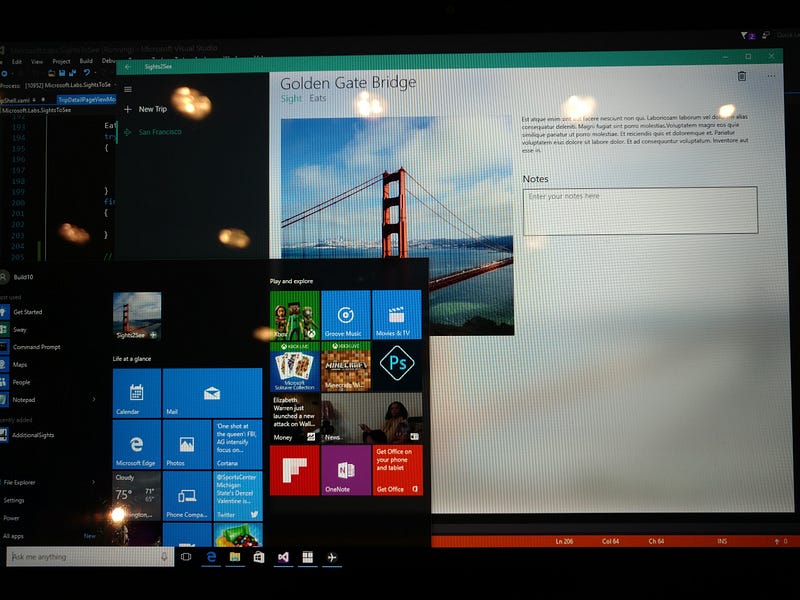
In this session, I wrote a small UWP(Universal Windows Platform) application using Cortana. The Cortana is a robust personal assistent built in the Windows 10. Somehow the Cortana didn’t hundred percent understand what I was talking to her, it actually miss-interpreted the words a lot. But I believe that Microsoft will perfect Cortana in the future. Microsoft have deployed Cortana to iOS and Android platforms too. But I personally concern that how would the UX is if the user opens your app and it requires you to install another app (Cortana) in order to access the personal assistant.
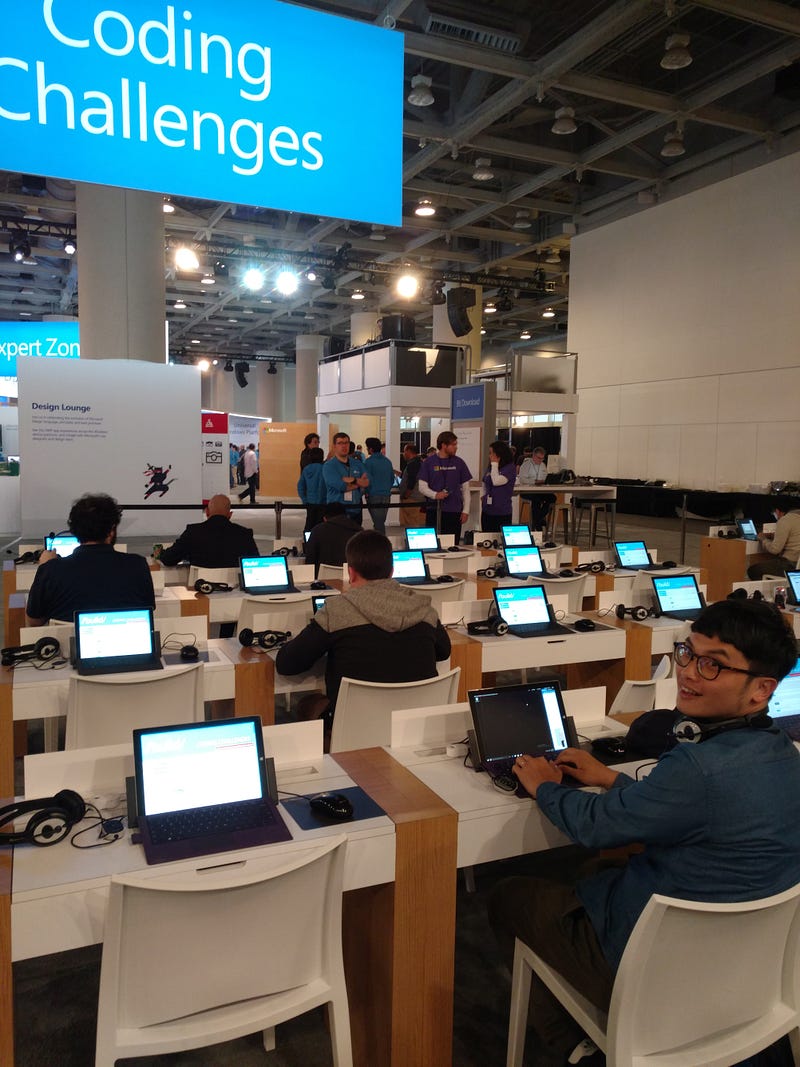
If you are confused after taking certain sessions, you can just get a Microsoft surface and give yourself a chance to exercise the practices at the Coding Challenges zone. It was really fun!
More
Part 2 coming soon.
News Reference:
- https://channel9.msdn.com/Events/Build/2016